How to Use an Online Schedule Maker to Save 5+ Hours Every Week
Use an online schedule maker to stop wasting hours on manual spreadsheets. Learn how to automate rosters, track labor costs, and sync your team in minutes.
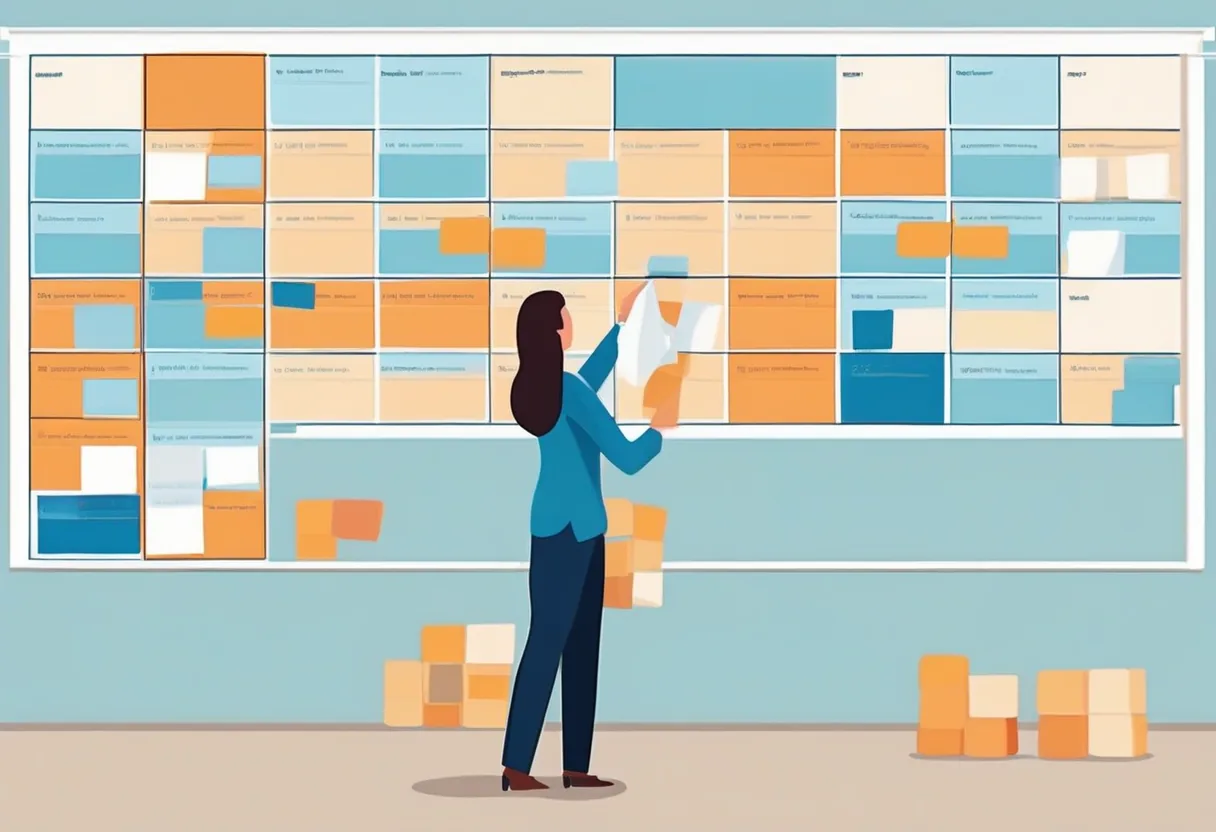
It is 9:00 PM on a Sunday, and you are staring at a grid of cells on a laptop screen. You just received a text from your lead server saying they can’t work Thursday, which means you have to move three other people around to avoid a gap. You delete a name, type another, and realize you just gave your best closer a “clopening” shift by mistake. This manual shuffling isn’t just a chore; it is a drain on your energy that could be spent growing your business.
Most managers start with a spreadsheet because it feels familiar. But as your team grows beyond five or six people, the spreadsheet becomes a liability. One wrong formula or an outdated file version sent to the team group chat results in “no-shows” and frustrated employees. Moving to a dedicated digital system solves these problems by creating a single, live version of the truth that everyone can access from their phones.
An online schedule maker is a digital tool designed to help managers build, manage, and share employee shifts via the internet. Unlike static spreadsheets, these platforms automate calculations for hours and labor costs while providing a centralized hub for staff availability and time-off requests. This transition reduces administrative errors and ensures your team always has the most current version of the roster.
Why Managers Choose to Make a Schedule Online
The primary reason to stop using paper or Excel is the “version control” nightmare. When you print a schedule and pin it to a breakroom wall, it is obsolete the moment a change is made. If you email a PDF, half the team will miss the update and show up for the wrong shift. When you make a schedule online, the data lives in the cloud. If you change a shift at 2:00 PM, the employee sees that change at 2:01 PM on their own device.
Beyond communication, an online system acts as a guardrail for your labor budget. If you are aiming for a specific labor percentage, seeing the total cost of the week update in real-time as you add shifts is invaluable. You can catch overtime before it happens rather than seeing the “red” on a payroll report two weeks later.
Digital systems also help you manage employee expectations. Shift workers today value transparency. They want to know their schedule more than 48 hours in advance, and they want an easy way to see who else is working. A web-based system provides this without requiring you to field a dozen phone calls every Sunday night.
Moving Beyond Web Based Scheduling Spreadsheets
While Google Sheets is technically a form of web based scheduling, it lacks the logic required for complex team management. A spreadsheet doesn’t know that “Sarah” is already working at your second location on Tuesday. It doesn’t know that “Mike” hasn’t finished his safety certification for the warehouse.
A dedicated online work schedule maker treats your staff as “entities” with specific attributes. These attributes include:
- Availability: When they can and cannot work.
- Qualifications: What roles they are trained to perform (e.g., Lead Bartender vs. Barback).
- Max Hours: How many hours they want to work each week to avoid burnout or overtime.
When you try to build a roster in a cell-based environment, you are essentially playing a game of Tetris with no rules. An online system provides the rules, flagging conflicts and ensuring you have the right “mix” of senior and junior staff on every shift. For more on how to manage these dynamics, see our guide on team communication for shift workers.
How an Online Work Schedule Maker Saves Time
Efficiency in scheduling comes from two places: templates and automation. Most businesses follow a rhythm. A coffee shop needs the same three openers every weekday. A security firm has fixed posts that must be manned 24/7. An online work schedule maker allows you to save these “patterns” and apply them to future weeks with a single click.
Instead of typing names into boxes, you use a “drag and drop” interface. You can see your staffing requirements at the top of the screen—for example, “Needs 2 Cashiers”—and simply drag available employees into those slots. If you try to drag someone who is already scheduled or has requested that day off, the system will prevent the mistake.
This automation extends to the distribution phase. Instead of manually texting every person, you hit a “Publish” button. The system then handles the notifications, sending emails or push alerts to the entire team. This eliminates the “I didn’t see the schedule” excuse that plagues managers using manual methods.
| Feature | Manual Spreadsheet | Online Schedule Maker |
|---|---|---|
| Availability Tracking | Sticky notes/Text messages | In-app profiles/Blocks |
| Labor Costing | Manual formulas (often broken) | Automatic real-time totals |
| Conflict Checks | Manual review (prone to error) | Instant alerts for overlaps |
| Mobile Access | Viewing blurry photos of paper | Live interactive dashboard |
| Shift Rotations | Copy/Paste and manual edits | One-click pattern application |
| Time-Off Requests | Verbal or written notes | Digital approval workflow |
Create Schedule Online Free Without the Complexity
Many owners hesitate to switch because they fear high monthly costs or a steep learning curve. However, you can create schedule online free using platforms that cater to small teams. These “forever free” tiers are perfect for a single-location boutique, a small cafe, or a startup clinic with fewer than 10 employees.
The goal of a free tool should be to get you off the spreadsheet and into a structured environment. You shouldn’t need a degree in IT to set up your account. Modern tools often use “Industry Starters” or templates that pre-populate the common roles and shifts for your business type. For example, if you select “Restaurant,” the system might already have “FOH,” “BOH,” and “Management” teams created for you.
Even if you aren’t paying for the software, the data you get out of it is professional. You can export your rosters to PDF for the breakroom or Excel for your accountant, ensuring that your digital transition doesn’t break your existing workflows. If you’re managing a specific niche like lodging, check out our hotel staff scheduling guide for more tailored advice.
How to Set Up Your Web Based Scheduling System
Setting up a web based scheduling system should take minutes, not days. If you follow a logical order, you can have your first roster published by the end of your lunch break.
1. Define Your Teams and Roles
Don’t just list everyone in one big pile. Organize your staff into teams (e.g., Kitchen, Floor, Admin) and assign them specific roles. This allows you to filter your view so you can focus on one department at a time. It also ensures that a dishwasher isn’t accidentally scheduled as a head chef.
2. Input Staff Availability
This is the most critical step. Ask your team to provide their “standard” availability. Knowing that one employee can never work Tuesday nights allows the system to hide them from your view when you are filling Tuesday shifts. This drastically reduces the number of “Can you change this?” requests you receive after the schedule is live.
3. Create Your Shift Templates
Most shifts follow a standard time block, such as 8:00 AM to 4:00 PM. Create these as templates so you can quickly click and assign them. You can also define “Qualifications” for these shifts. If a shift requires a “Keyholder,” the system will only suggest employees who have that tag.
4. Apply Rotation Patterns
If your team works a “4-on-3-off” or a “2-2-3” pattern, don’t build it manually every week. Use the rotation feature to set the pattern once and tell the system to repeat it for the next month. This is where you see the true time savings of an online schedule maker.
Avoiding Common Pitfalls: Clopenings and Overtime
A “clopening” occurs when an employee works a late closing shift and then an early opening shift the next morning, leaving them with very little rest. This is a major cause of burnout and is actually illegal in some jurisdictions under “Fair Workweek” laws. For more on this, read about clopening shifts and how to avoid them.
An online schedule maker flags these “short rest” periods automatically. You will see a warning icon if you try to schedule someone for a shift that starts less than 10 or 12 hours after their previous one ends. Similarly, the system will highlight employees who are approaching 40 hours for the week, allowing you to reassign those hours to someone else and save on overtime pay.
How ShiftSynch Helps
ShiftSynch provides a streamlined online schedule maker designed specifically for the needs of hourly, shift-based teams. Our AI Setup Assistant allows you to set up your entire account—including teams, roles, and staffing requirements—simply by describing your business in plain language. Once your account is ready, you can use our Automatic Schedule Generation to build out a month’s worth of shifts based on your rotation patterns and staff availability.
Start free — no credit card required (1 team, up to 10 staff); paid plans from $9/month with a 14-day trial. Start free on ShiftSynch
Moving your scheduling online is about more than just replacing a piece of paper. It is about reclaiming your time, reducing your labor costs, and providing your employees with the professional environment they deserve. By using a digital system, you eliminate the Sunday night stress and ensure that your business runs smoothly, even when you aren’t on-site.
Frequently Asked Questions
Q: How do I create schedule online free for my small business? You can use the free tier of an online schedule maker like ShiftSynch to manage up to 10 staff members on a single team. This includes basic scheduling, availability tracking, and time-off management. You simply sign up, input your staff names, and start dragging shifts onto the calendar without needing to enter any credit card information.
Q: What are the benefits of using an online work schedule maker over Excel? An online work schedule maker provides live updates, conflict detection, and labor cost tracking that a static spreadsheet cannot. It prevents scheduling errors like “clopenings” or double-booking employees. Additionally, it offers a mobile-friendly view for staff, meaning they can check their shifts from anywhere without you needing to send out new PDF files every time a change occurs.
Q: Can web based scheduling help me reduce labor costs? Yes. Web based scheduling systems calculate your total labor spend in real-time as you build the roster. You can see the impact of every shift on your weekly budget and receive alerts before an employee enters overtime. This visibility allows you to make data-driven decisions to keep your labor percentage within your target range throughout the month.
Q: Is it difficult to make a schedule online for a 24/7 operation? Actually, it is easier than manual methods because you can use rotation patterns. For 24/7 coverage, you can set up recurring shifts (like Day, Swing, and Night) and assign them to crews. The system will then automatically repeat these patterns, ensuring you have the required headcount for every hour of the week without needing to rebuild the grid from scratch.
Frequently Asked Questions
- How do I create schedule online free for my small business?
- You can use the free tier of an online schedule maker like ShiftSynch to manage up to 10 staff members on a single team. This includes basic scheduling, availability tracking, and time-off management. You simply sign up, input your staff names, and start dragging shifts onto the calendar without needing to enter any credit card information.
- What are the benefits of using an online work schedule maker over Excel?
- An online work schedule maker provides live updates, conflict detection, and labor cost tracking that a static spreadsheet cannot. It prevents scheduling errors like "clopenings" or double-booking employees. Additionally, it offers a mobile-friendly view for staff, meaning they can check their shifts from anywhere without you needing to send out new PDF files every time a change occurs.
- Can web based scheduling help me reduce labor costs?
- Yes. Web based scheduling systems calculate your total labor spend in real-time as you build the roster. You can see the impact of every shift on your weekly budget and receive alerts before an employee enters overtime. This visibility allows you to make data-driven decisions to keep your labor percentage within your target range throughout the month.
- Is it difficult to make a schedule online for a 24/7 operation?
- Actually, it is easier than manual methods because you can use rotation patterns. For 24/7 coverage, you can set up recurring shifts (like Day, Swing, and Night) and assign them to crews. The system will then automatically repeat these patterns, ensuring you have the required headcount for every hour of the week without needing to rebuild the grid from scratch.
Ready to replace the spreadsheet and group text?
Build the rotation, publish shifts, and see qualified coverage in ShiftSynch.
Start free