Free Employee Schedule Maker for Hourly Teams
A free employee schedule maker beats spreadsheets for hourly teams. Compare free options, see the steps, and publish your first schedule to phones at no cost.
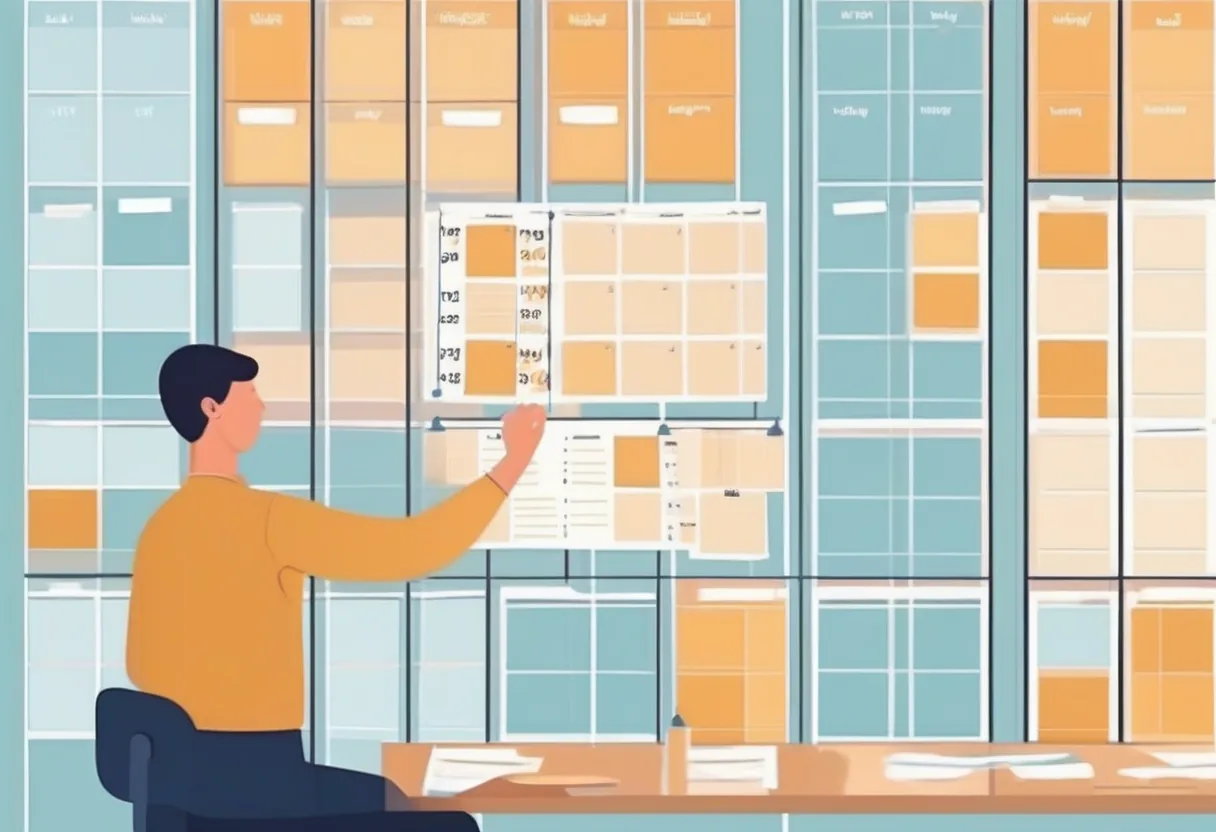
It’s Thursday at 4 p.m. and you’re staring at the same color-coded spreadsheet you’ve fought with for two years. Maria asked off for Saturday three weeks ago, but you forgot to block it, and now you’ve scheduled her for the dinner rush. The new hire doesn’t know how to read the tab. And you just realized two people are double-booked on register while nobody is covering the floor.
You don’t need a fancier spreadsheet. You need a free employee schedule maker that catches these problems before they hit the floor — and that your staff can actually open on their phones.
The good news: building an employee schedule for free no longer means wrestling cells into submission. There are real tools, including a genuine free tier, that do the heavy lifting. Here’s how to pick one and get your first schedule out the door this week.
What is the best free employee schedule maker?
The best free employee schedule maker is a purpose-built scheduling tool — not a spreadsheet — that lets you create shifts, assign staff, track availability and time off, and share the schedule to phones at no cost. Look for a true free tier (no trial countdown), mobile access for staff, and automatic conflict checks so you never double-book or schedule someone who’s off.
Free employee scheduling: the three real options
When managers say they want free employee scheduling, they usually mean one of three things. Each works, but they are not equal once your team grows past a handful of people.
Option 1: The spreadsheet (Google Sheets or Excel)
It’s free, it’s familiar, and it’s where almost everyone starts. You make a grid of days and names, fill in shift times, and share a link. For a five-person team that never changes, it’s fine.
The cracks show fast, though. Spreadsheets don’t know that Jamal can’t work Sundays. They don’t warn you when you’ve put someone down for a clopening with six hours of turnaround. They don’t notify staff when you change a shift, so the version on someone’s phone is three edits out of date. And the moment two managers edit at once, you’ve got a mess.
Option 2: A free printable template
A blank weekly or monthly template you download, print, and fill in by hand or in a PDF editor. Good for posting on a breakroom wall. Useless for anything dynamic — every change means reprinting, and nobody carries the breakroom wall in their pocket.
Option 3: A free tier of a real scheduling app
This is the option most managers don’t realize exists. A dedicated app with a free plan gives you the structure of real software — shift types, availability, time-off requests, conflict checks, mobile access — without a bill. It’s the only one of the three that scales with you instead of fighting you.
Build employee schedule free: the spreadsheet’s hidden costs
A spreadsheet feels free because there’s no invoice. But “free” and “no cost” aren’t the same thing once you count the hours.
Here’s an illustrative breakdown of where a manager’s scheduling time tends to go each week with a manual spreadsheet versus a purpose-built tool. Treat these as rough ranges, not gospel — your numbers depend on team size and turnover.
| Task | Spreadsheet (per week) | Scheduling app (per week) |
|---|---|---|
| Building the base schedule | 60–90 min | 10–20 min |
| Chasing availability & time-off | 30–45 min | 5–10 min |
| Fixing double-books / conflicts | 20–40 min | near zero (auto-flagged) |
| Re-sharing after edits | 15–30 min | 0 (auto-notified) |
| Answering “am I working Friday?” texts | 20–30 min | near zero (staff self-check) |
Even at the low end, that’s a couple of hours a week you’re spending as an unpaid scheduling clerk. The spreadsheet isn’t no cost — it’s a cost you pay in evenings and weekends.
There’s a quality cost too. Manual schedules are where avoidable mistakes live: the missed time-off request, the under-staffed Saturday, the clopening shift that leaves your best closer running on five hours of sleep. Those mistakes cost you in callouts, overtime, and turnover.
Employee schedule maker checklist: what “free” should actually include
Not every free plan is worth your time. Some are stripped so bare they’re just a spreadsheet with a login. Before you commit, run any free employee scheduling option through this checklist.
| Must-have | Why it matters | Spreadsheet | Good free tier |
|---|---|---|---|
| Truly free (no trial clock) | You can run it indefinitely | ✅ | ✅ |
| Mobile access for staff | The schedule lives in their pocket | ⚠️ link only | ✅ |
| Availability & time-off tracking | Stops scheduling people who are off | ❌ | ✅ |
| Conflict / double-book warnings | Catches errors before posting | ❌ | ✅ |
| Custom shift types | Matches your real operation | ⚠️ manual | ✅ |
| Change notifications | Everyone sees the current version | ❌ | ✅ |
| Reports (hours, labor cost) | Spot overtime before it bites | ⚠️ formulas | ✅ |
If a free tool can’t check most of these boxes, you’ve just rebuilt the spreadsheet with extra steps.
No cost staff scheduling: how to build your first schedule in minutes
You don’t need a weekend to switch. Here’s a simple path to a working schedule using a free scheduling tool.
Step 1: List your roles and shifts
Write down the jobs that need covering (server, host, line, register, floor) and the shifts each day needs. This is the skeleton of every schedule you’ll ever build.
Step 2: Capture availability and time off first
Before you assign a single shift, get everyone’s availability and any time-off requests into the system. Building around constraints is far easier than untangling conflicts after the fact.
Step 3: Assign shifts and let the tool check your work
Drop people into shifts. A good tool flags double-books, people scheduled while off, and gaps in coverage as you go — the exact errors a spreadsheet stays silent about.
Step 4: Publish to phones
Share the schedule so every staffer sees it on their device, and changes push out automatically. No more “I never saw the new version.” For more on keeping everyone in sync, see team communication for shift workers.
Step 5: Reuse next week
Once your patterns and shift types are set up, next week’s schedule starts from a template instead of a blank grid. This is where the time savings compound.
When a free tier stops being enough
A free plan is the right starting point, not a permanent ceiling. You’ll know it’s time to consider a paid plan when you outgrow a single team or ten staff, when you’re managing rotation patterns across multiple crews, or when you need deeper reports — labor cost across teams, FTE management, advanced exports.
The honest version: most single-location small teams can run on a free tier for a long time. Bigger or multi-location operations — like hotel staff scheduling across departments — tend to graduate to paid features once the team and complexity grow. There’s no rush. Start free and upgrade only when the work demands it.
How ShiftSynch helps
ShiftSynch is a free employee schedule maker built for hourly teams. The free forever tier costs $0 with no credit card — one team, up to 10 staff — and includes scheduling, shift management, time-off and availability tracking, custom shift types, reports, and mobile access. Its Sara, the AI setup assistant lets you describe your business in plain language and sets up your teams, roles, shifts, and staffing requirements for you, so you can build your first schedule by chatting in minutes — and automatic schedule generation builds a team’s month from your rotation patterns. Start free — no credit card required (1 team, up to 10 staff); paid plans start at $9/month with a 14-day trial.
Start free on ShiftSynch — Start free, no credit card required (1 team, up to 10 staff); paid plans from $9/month with a 14-day trial.
The spreadsheet got you this far, and that’s worth something. But the hours it quietly eats — and the mistakes it lets through — add up. A free, purpose-built tool gives you the structure without the bill. Pick one this week, capture availability first, and let it catch the conflicts you used to find the hard way.
Frequently Asked Questions
Q: Is there a truly free employee scheduling tool? Yes. Some apps offer a genuine free forever tier, not just a trial. ShiftSynch’s free plan costs $0 with no credit card and covers one team of up to 10 staff, including scheduling, time-off tracking, custom shift types, reports, and mobile access — enough to fully replace a spreadsheet for most small teams.
Q: How do I build an employee schedule for free without a spreadsheet? List your roles and shifts, enter everyone’s availability and time off, then assign shifts in a free scheduling app that flags conflicts as you go. Publish it to staff phones so changes notify automatically. Once your shift types are set, you reuse the template each week instead of starting from a blank grid.
Q: What should a free employee schedule maker include? Look for a true free tier with no trial clock, mobile access for staff, availability and time-off tracking, double-book and conflict warnings, custom shift types, change notifications, and basic reports for hours and labor cost. If a free tool can’t do most of these, it’s just a spreadsheet with a login.
Q: When should I upgrade from no cost staff scheduling to a paid plan? Upgrade when you outgrow one team or ten staff, manage rotation patterns across multiple crews, or need deeper reports like labor cost across teams and FTE management. Most single-location small teams run on a free tier for a long time, so upgrade only when your team size or complexity actually demands it.
Frequently Asked Questions
- Is there a truly free employee scheduling tool?
- Yes. Some apps offer a genuine free forever tier, not just a trial. ShiftSynch's free plan costs $0 with no credit card and covers one team of up to 10 staff, including scheduling, time-off tracking, custom shift types, reports, and mobile access — enough to fully replace a spreadsheet for most small teams.
- How do I build an employee schedule for free without a spreadsheet?
- List your roles and shifts, enter everyone's availability and time off, then assign shifts in a free scheduling app that flags conflicts as you go. Publish it to staff phones so changes notify automatically. Once your shift types are set, you reuse the template each week instead of starting from a blank grid.
- What should a free employee schedule maker include?
- Look for a true free tier with no trial clock, mobile access for staff, availability and time-off tracking, double-book and conflict warnings, custom shift types, change notifications, and basic reports for hours and labor cost. If a free tool can't do most of these, it's just a spreadsheet with a login.
- When should I upgrade from no cost staff scheduling to a paid plan?
- Upgrade when you outgrow one team or ten staff, manage rotation patterns across multiple crews, or need deeper reports like labor cost across teams and FTE management. Most single-location small teams run on a free tier for a long time, so upgrade only when your team size or complexity actually demands it.
Ready to replace the spreadsheet and group text?
Build the rotation, publish shifts, and see qualified coverage in ShiftSynch.
Start free