Best Employee Scheduling Software for 2026
Compare the top employee scheduling platforms for 2026: ShiftSynch, When I Work, 7shifts, and Homebase — features, pricing, and which fits your team best.
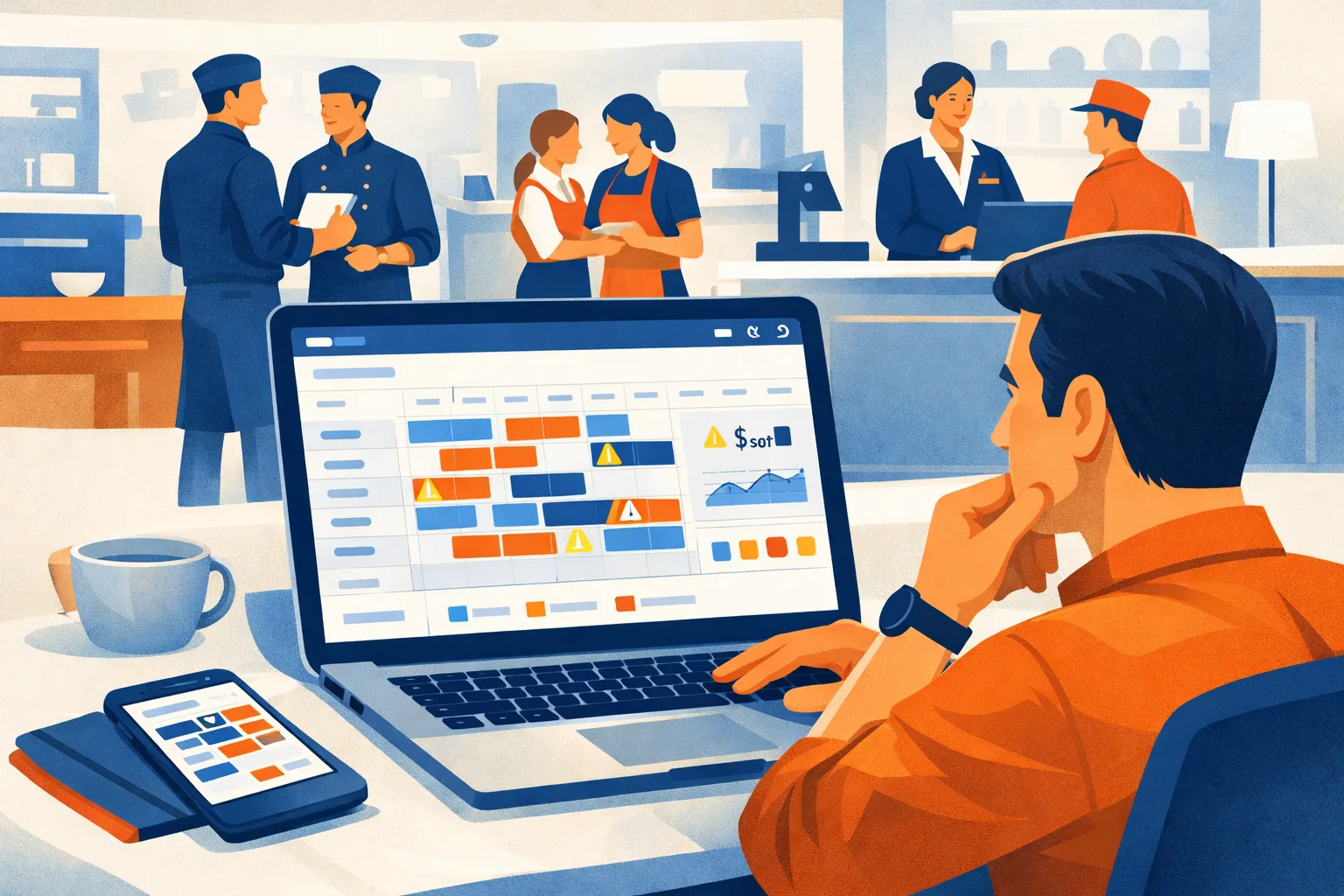
It’s 11:45 p.m. on a Tuesday and someone just texted that they can’t make their 6 a.m. shift tomorrow. You’re staring at a scheduling spreadsheet trying to figure out who’s available, who’s already at 40 hours, and who won’t answer at midnight. Meanwhile, the schedule for next week is three days late because you’ve been putting it off.
That scenario plays out thousands of times per week for managers running shift-based teams. The businesses solving it aren’t doing it with better spreadsheets — they’ve moved to purpose-built scheduling software. This guide breaks down the top platforms for 2026 so you can pick the right one.
Why Scheduling Software Actually Matters
The Hidden Cost of Manual Scheduling
Managers routinely underestimate how expensive their current system is. Here’s a quick math check: if you spend 90 minutes per week building and adjusting schedules, plus 30 minutes handling call-outs and swap requests, that’s 2 hours of management time per week. At $22/hour loaded cost, that’s $2,288 per year — just for scheduling.
Add the downstream costs: missed coverage creating overtime or understaffing, scheduling errors that trigger compliance violations, and the administrative time fielding availability questions that could be handled by an app — and the number grows quickly.
Whether software cuts that 2-hour block, and by how much, depends on your roster and how you use the tool. Do not treat a 30-minute week or a month-three payback as a typical result — time your current process, then time it after a trial.
Labor Laws Are Getting More Complex
Predictive scheduling ordinances — laws requiring advance notice of schedules and premium pay for last-minute changes — have expanded significantly over the last five years. They now cover Seattle, San Francisco, New York City, Chicago, Philadelphia, Los Angeles, and several other major metros. Oregon has a statewide fair scheduling law.
These laws impose specific requirements: 14-day advance notice in some jurisdictions, “good faith” estimates of hours, premium pay for schedule changes within the notice window. Managing those requirements manually, across a team of 20+ employees, is nearly impossible without software that tracks notice timestamps and flags violations proactively.
See the Labor Law section for a complete breakdown by jurisdiction.
Turnover Improves When Scheduling Improves
There’s a well-established connection between scheduling quality and employee retention in hourly industries. Erratic schedules — last-minute changes, inconsistent hours, clopen shifts (closing then opening) — are one of the top reasons hourly workers leave. When employees can see their schedules a week or two out, request time off easily, and swap shifts without hunting down a manager, they tend to stay longer.
A retention improvement of even 10% in a 20-person team that would otherwise average 80% annual turnover means two fewer hires per year. At $1,500 per hourly hire (recruiting, onboarding, training), that’s $3,000 in savings.
The Four Platforms Worth Evaluating in 2026
We looked at every major player and narrowed to the four that managers are actually choosing in 2026. Here’s the landscape:
| ShiftSynch | When I Work | 7shifts | Homebase | |
|---|---|---|---|---|
| Starting price | Free / $9 per org | $2.50/user | Not published | Free (1 location) |
| Free plan | Yes (1 team, ≤10 staff, build-only) | No — trial only | Not published | Yes (1 location, ≤10 employees) |
| Best for | Multi-industry SMBs | Service/retail | Restaurants | Micro-businesses |
| Mobile app | iOS + Android | iOS + Android | iOS + Android | iOS + Android |
| Time clock | None | GPS | Photo + QR | GPS |
| Payroll integrations | None (API on Professional) | Gusto, QBO, ADP | Toast, Square, Gusto | Gusto, Square |
| Notification channel | Email only | Email + push | Email + push | Email + push |
| Shift swap | Not in product | Manager-approve | Auto-approve option | Manager-approve |
ShiftSynch figures from shiftsynch.com/pricing.php; When I Work from wheniwork.com/pricing; Homebase from joinhomebase.com/pricing; 7shifts from 7shifts.com/pricing. All read 2026-09-04. Competitor feature columns are from each vendor’s own marketing pages and are not independently tested here.
ShiftSynch
ShiftSynch is a scheduling platform built for 24/7 clinical and shift rotations — nursing, home health, senior care, fire and EMS. It handles team and role structure, shift creation, rotation patterns, staffing requirements, availability and time-off, and schedule publishing. It is deliberately not a workforce suite: there is no time clock, no payroll module and no labor-cost engine.
What it does well
Flat pricing per organization, not per seat. Tiers are capped by team count and staff count, not billed per head. A 45-staff operation and a 25-staff operation both pay $49/month on Professional. Hiring inside your tier does not change the invoice.
Setup in one conversation. Sara, the built-in assistant, creates the team, the roles, the shifts, the FTE codes, the staffing requirements and the staff accounts from a plain-English description. This is the fastest path from signup to a publishable week, and it is the main reason to pick ShiftSynch over a general workforce app.
Coverage answered by name. Once staff are assigned to shifts, Sara answers “are we covered Tuesday night, and who can I call in?” with real names, and excludes anyone with a rest conflict from the prior shift. That is a different job from a colour-coded grid.
Built around rotations. Rotation patterns, crews and staffing requirements per shift and role are first-class, so the engine can auto-generate the weekly grid (Basic and above) instead of you rebuilding it each week. A human still reviews and adjusts it — the scheduling is semi-automated, not hands-off.
Limitations
ShiftSynch is newer than the other three and narrower on purpose. There is no time clock of any kind — no GPS, no photo, no QR. There are no payroll or POS integrations; you get PDF/Excel/grid exports on Basic and generic API access on Professional. The only notification channel is email — there is no SMS and no push. There is no shift-swap workflow and no open-shift marketplace: staff do not claim or trade shifts themselves, the coordinator reassigns and republishes. And the free plan is build-only — publishing the schedule to staff starts at $9/month. If any of those are requirements, pick a different product on this list.
Pricing
- Free — $0: 1 team, up to 10 staff. Build and view the schedule: shifts, rotation patterns, staffing requirements, availability and time-off, mobile access, email support. No card.
- Basic — $9/month ($7.50/month billed annually, $90/year): 1 team, up to 10 staff. Adds publishing and emailing staff their shifts, rotation auto-generation, PDF/Excel/grid exports, Sara coverage answers, time-off management and basic reports. 14-day trial, no card.
- Professional — $49/month ($39/month billed annually, $468/year): up to 5 teams, up to 50 staff, advanced rotation patterns, qualifications tracking, advanced reports, API access.
- Enterprise — $99/month ($79/month billed annually, $948/year): unlimited teams and staff, custom shift types, FTE management, custom integrations.
When I Work
When I Work has been around since 2010 and has a large install base in retail and service businesses. Its UI is clean and the mobile experience is solid.
What it does well
Clean mobile app. When I Work’s employee-facing app is one of the better ones in this category. Employees can view schedules, request swaps, and pick up open shifts in a few taps. Push notification delivery is reliable.
Autopilot scheduling. When I Work’s scheduling algorithm can auto-fill an empty schedule based on employee availability, role requirements, and hour targets. It’s not perfect — managers usually review and adjust — but it cuts initial schedule creation time significantly for complex rosters.
Team messaging. Built-in group messaging by team or location, with read receipts. Useful for same-day shift updates without going through a separate platform like Slack.
Limitations
No free plan — only a 14-day trial. After that, plans start at $1.50/user/month with a minimum billing floor that makes it expensive for very small teams. Customer support response times draw consistent complaints in reviews. The scheduling interface can feel cluttered with more than four departments.
Pricing
- No free plan (14-day trial)
- Standard: $1.50/user/month (basic scheduling + messaging)
- Advanced: $2.25/user/month (time clock, labor reports)
- Minimum billing applies — verify current pricing on their site
7shifts
7shifts is purpose-built for restaurants. If you’re running food service — QSR, fast casual, or full service — it’s the most restaurant-specific platform in this comparison.
What it does well
Restaurant-native features. 7shifts integrates with more POS systems than any competitor (Toast, Square, Clover, Lightspeed, Revel, Aloha, and more). It pulls actual sales data to generate labor percentage projections alongside your schedule — useful for cost control when your labor-to-sales ratio matters hour by hour.
Tip pooling. Built-in tip distribution calculation, which eliminates a common end-of-shift pain point in tipped-employee businesses.
Compliance for tipped employees. 7shifts tracks tip credits, which affect minimum wage calculations differently across states. For multi-state restaurant groups, this is meaningful.
Employee engagement tools. 7shifts has the most developed employee engagement features of any platform in this category — satisfaction surveys, shout-outs, and a recognition feed. Useful for operators who prioritize retention and culture.
Limitations
Flat monthly pricing ($29.99/month for up to 30 employees) makes it more expensive per employee for large teams relative to per-user platforms. The pricing model also means you’re paying the same whether you have 5 or 30 staff. Not ideal for businesses outside food service — the UI is explicitly restaurant-focused, and some general workforce features are missing. No time-off request management in the base plan.
Pricing
- 7shifts publishes its tiers on 7shifts.com/pricing. The figures are rendered client-side and could not be read from a static page load on 2026-09-04, so no numbers are quoted here — check the page directly before budgeting.
Homebase
Homebase targets micro-businesses — a single location with a small team. It has the broadest set of free features of any platform in this category, including time tracking and basic hiring tools.
What it does well
Most generous free plan. Homebase’s free tier includes scheduling, time clock, team messaging, basic hiring, and onboarding tools — all for one location with unlimited employees. For a two-location coffee shop or a single-location retail store with under 10 staff, Homebase is genuinely usable without spending anything.
Built-in hiring. Homebase includes basic job posting and applicant tracking in higher tiers. Unusual for scheduling software — reduces the number of tools small operators need to manage.
Payroll add-on. Homebase offers native payroll processing (not just integration) as an add-on — useful for businesses that want to consolidate payroll and scheduling into one vendor.
Limitations
The free plan is capped at one location and 10 employees. Multi-location businesses pay from $30/month per location — which gets expensive fast. Advanced features like labor cost forecasting, compliance alerts, and performance data are locked behind the highest tier. Customer support is limited on free plans.
Pricing
- Basic: $0 — 1 location, up to 10 employees, basic features
- Essentials: $30/location/month
- Plus: $70/location/month
- All-in-One: $120/location/month
(Homebase tiers read from joinhomebase.com/pricing on 2026-09-04: Basic $0, Essentials $30, Plus $70, All-in-One $120 per location per month.)
How to Choose
Choose ShiftSynch if:
- You schedule a 24/7 rotation — nursing, home health, senior care, fire or EMS — rather than a retail or restaurant grid
- You want a flat per-organization bill that does not move every time you hire inside your tier
- You want the first publishable week to take an afternoon, not an implementation project
- You do not need a time clock, payroll integration or a shift-swap marketplace, and you are fine with email-only notifications
Choose When I Work if:
- You have a clean single-department retail or service team
- Employee-side mobile UX is the top priority
- Auto-scheduling will save you significant time given your roster size
Choose 7shifts if:
- You run one or more restaurant locations
- POS integration and revenue-based labor forecasting matter to your cost model
- You have tipped employees and want compliance help baked in
Choose Homebase if:
- You have a single location with a small, stable team
- You want the widest free-tier functionality without committing to a paid plan
- You want scheduling + basic hiring + payroll in one vendor
Implementation Reality
Whichever platform you choose, the first two weeks determine whether it sticks. The failure modes are predictable:
Manager-only adoption. If employees don’t download the app and use it for their schedules, you’ll end up managing two systems — the app and whatever legacy process employees still rely on. Set a deadline, send a how-to video, and stop responding to “what’s my schedule?” questions via text.
Not loading all availability upfront. Every platform lets employees submit availability constraints. Getting this data loaded before you build the first schedule saves hours and prevents the “I told you I can’t work Tuesdays” conversation.
Skipping the shift swap approval workflow. Most platforms let you choose between manager-approved and employee-self-service swap approvals. Define this policy on day one and configure it — otherwise managers get flooded with notifications or employees circumvent the system.
Not using the overtime alert. Every platform in this comparison has an overtime alert. Turn it on.
Bottom Line
For most small and mid-size shift-based businesses, the scheduling-software decision comes down to: restaurant or not?
Restaurant operators with POS systems in this comparison should give 7shifts a close look — the vertical-specific features justify the price for food service. Everyone else should start with ShiftSynch or When I Work and run a four-week trial before committing.
If budget is the primary constraint, ShiftSynch’s free plan (one team, up to 10 staff, build-only) and Homebase’s $0 Basic plan (one location, up to 10 employees) are the two no-cost starting points — but check what each free plan withholds before you commit a roster to it.
Pricing and features verified as of May 2026. Verify current plans directly with each vendor before purchasing.
Frequently Asked Questions
- What is the best free employee scheduling software?
- Two of the four publish a free plan (checked 2026-09-04). ShiftSynch's free plan covers one team and up to 10 staff and is build-only — you can create the schedule but publishing it and emailing staff their shifts starts at $9/month. Homebase publishes a $0 Basic plan for one location and up to 10 employees. When I Work publishes no free plan; its lowest tier is $2.50/user/month. 7shifts does not publish a free plan on its pricing page.
- How much does employee scheduling software cost?
- Two pricing models compete here (all figures read from the vendors' own pricing pages on 2026-09-04). Per-user: When I Work is $2.50–$8 per user/month; Deputy is $5–$9 per user/month with a $30/month minimum. Per-location or per-organization flat rate: Homebase is $0–$120 per location/month; ShiftSynch is a flat $0 / $9 / $49 / $99 per organization per month, not per seat. 7shifts does not publish prices on a statically readable pricing page.
- Does employee scheduling software integrate with payroll?
- It varies, and this is the question that most often decides the shortlist. When I Work and Homebase both advertise payroll integrations, and 7shifts advertises restaurant POS integrations. ShiftSynch does not have named payroll integrations — it offers PDF, Excel and grid exports on Basic and generic API access on Professional, and you connect payroll yourself. If a one-click payroll push is a requirement, ShiftSynch is not the tool.
- What features should I look for in scheduling software?
- Core must-haves: shift creation drag-and-drop, employee availability management, time-off requests, shift swaps, push notifications, and mobile app access. Advanced: labor cost forecasting, overtime alerts, clock-in with GPS or photo verification, POS integration, and compliance tools for predictive scheduling laws.
- Is employee scheduling software worth it for small businesses?
- It can be, if scheduling currently eats real manager hours. A manager spending two hours per week on manual scheduling at $20/hour is $2,080/year in scheduling labor alone. A $50/month tool ($600/year) is cheaper than that block if it actually reduces the time you spend — run your own numbers rather than treating a payback date as typical.
Run your fire department schedule in one place
ShiftSynch manages custom rotations, availability, time off, and scheduled-versus-required coverage for career, combination, and volunteer departments.
Start free