Group Home Scheduling App for Residential Care | ShiftSynch
ShiftSynch is group home scheduling software for residential care staff. Build schedules free, manage coverage, and start with no card required.
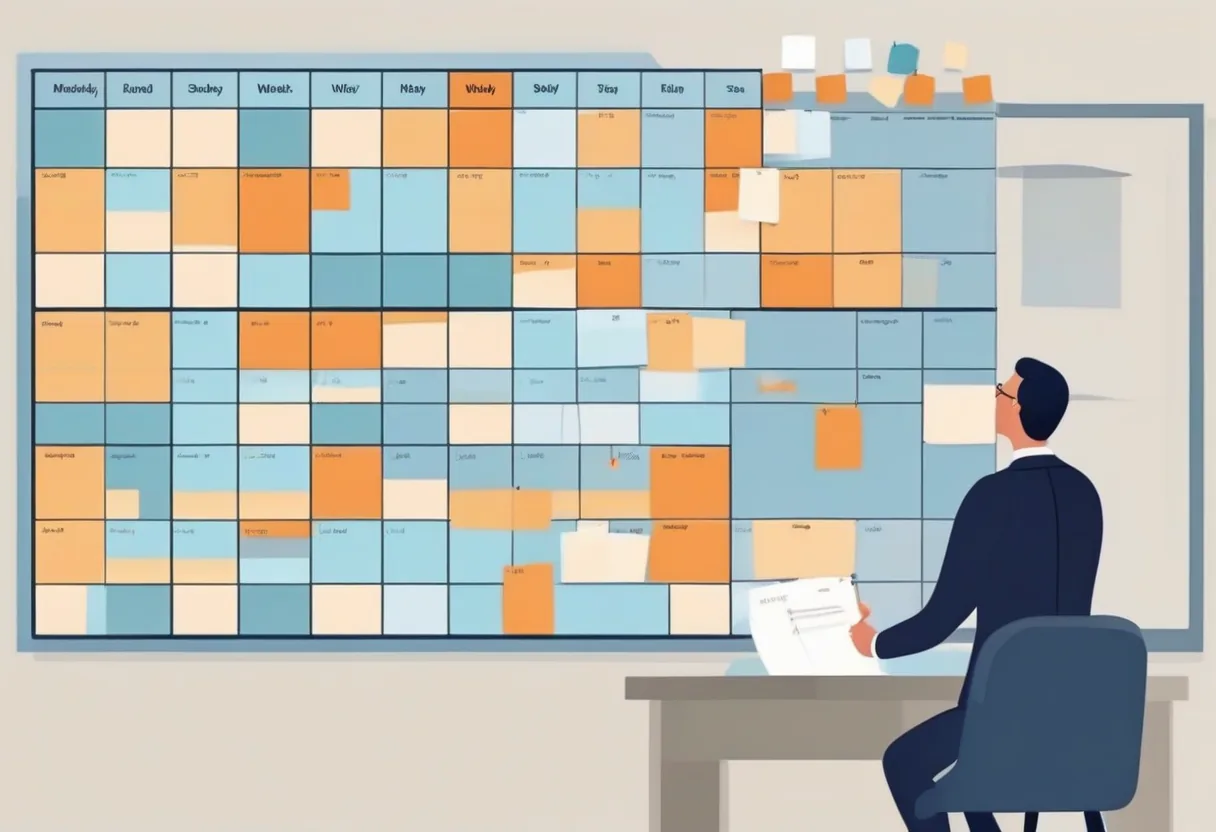
Group home scheduling is shift scheduling in a building that never closes — not a clinic with appointment blocks, not a warehouse with seasonal peaks, but a residential home where someone is always on duty and a gap in overnight coverage is never an administrative inconvenience. Direct support professionals (DSPs) rotate through days, evenings, and overnights across homes that each have their own resident needs, required qualifications, and staffing ratios.
This guide is for residential providers who schedule DSPs and residential counselors across IDD (intellectual and developmental disabilities) homes, behavioral health group homes, adult foster homes, and similar congregate residential settings. If you are scheduling aides who travel between client homes, see our home care scheduling software guide. If you operate an assisted living community with a higher medical acuity level, see assisted living scheduling software.
Why group home scheduling breaks generic tools
A restaurant scheduling app or a retail workforce product fails group home operations for three structural reasons.
Shifts cross midnight. An overnight shift that starts at 11 PM and ends at 7 AM crosses two calendar dates. Most consumer scheduling tools split it, show it in two rows, or require a workaround. That workaround becomes a source of errors when an awake-overnight is accidentally double-counted or a sleep-staff slot is treated as a daytime shift for pay purposes.
Qualifications are residential-program-specific. A DSP who is cleared to work with a resident with significant behavioral support needs is not automatically cleared for a home with different behavioral protocols or medication-administration responsibilities. A scheduling process needs a reliable way to keep those requirements visible. ShiftSynch includes Qualifications Tracking on its Professional plan; managers remain responsible for confirming that each assignment meets their organization’s requirements.
The fill-the-gap problem is time-sensitive. An uncovered overnight in a group home is not a staffing inconvenience that can wait until morning. Managers need a current view of the schedule and staff availability so they can decide who to contact while applying their organization’s qualification, hours, and coverage rules.
Core features for residential care scheduling
24/7 coverage visibility in a single dashboard. The manager view should show every shift across every home for the week, with open slots surfaced before the week starts — not discovered after the shift begins. Color-coded coverage indicators (fully staffed, one short, uncovered) let a residential coordinator scan five homes in 30 seconds.
Qualification visibility. Each home, program, or shift type may carry specific credentials: first aid/CPR currency, crisis intervention certification, medication administration training, or home-specific behavioral protocol training. ShiftSynch Professional includes Qualifications Tracking so those records can be kept alongside the scheduling workflow. The manager still decides who is eligible for an assignment and enforces the organization’s policies.
Mobile access for DSPs. Direct support professionals typically do not have a desk. ShiftSynch includes mobile access on every plan. Building the schedule is available on Free; publishing it and notifying staff require Basic or a higher paid plan.
Awake overnight vs. sleep staff differentiation. These are distinct shift types with different pay grades, different qualification requirements in many states, and different impacts on a staff member’s consecutive-hours total. They should be configured as separate shift types so that an awake-overnight is never accidentally filled by someone who is only cleared for sleep staff, and vice versa.
A clear schedule for policy checks. Before assigning additional work, a manager may need to review hours, consecutive days, rest periods, qualifications, and other organization-specific rules. A current schedule supports that review, but it does not replace the manager’s labor-policy and compliance checks.
ShiftSynch plans for group home scheduling
ShiftSynch publishes flat monthly and annual prices for each organization. Choose a plan based on the number of teams and staff you need and whether you need publishing, notifications, automation, exports, Sara coverage answers, or qualifications tracking:
| Plan | Price | Teams | Staff cap |
|---|---|---|---|
| Free | $0 | 1 | 10 staff |
| Basic | $9/month or $90/year | 1 | 10 staff |
| Professional | $49/month | 5 | 50 staff |
| Enterprise | $99/month | Unlimited | Unlimited |
Free supports building a schedule but does not publish it or notify staff. Basic keeps the same one-team and 10-staff limit while adding publishing and staff notifications, rotation auto-generation, exports, and Sara coverage answers. Professional expands capacity to five teams and 50 staff and adds Qualifications Tracking. Enterprise removes the team and staff caps.
What the setup conversation actually looks like
Here is an example structure a residential care administrator can use when setting up teams, roles, and shifts:
Example setup prompt to Sara:
“We run two group homes. Home A has 8 residents, awake overnight required. Home B has 5 residents, sleep staff overnight. We need DSP, Senior DSP, and House Manager roles, with Day (7am–3pm), Evening (3pm–11pm), and Overnight (11pm–7am) shifts. Day: 2 DSPs + 1 Senior DSP per home. Overnight in Home A: 1 awake DSP. Overnight in Home B: 1 sleep-staff DSP.”
The resulting schedule structure uses both teams, three roles, three shifts, and the stated staffing requirements, with separate awake- and sleep-staff overnight shifts. On a paid plan, Sara coverage answers can help an administrator review coverage questions after the schedule is set up.
Starting free, scaling to more homes
The Free plan lets you build a schedule for one team and up to 10 staff with mobile access. Publishing and notifying staff, rotation auto-generation, exports, and Sara coverage answers begin with Basic at $9/month or $90/year. Basic’s annual price saves 17 percent. A second team requires Professional at $49/month or $468/year; its annual price saves 20 percent.
Qualifications Tracking is available on Professional and Enterprise. Enterprise is $99/month or $948/year and supports unlimited teams and staff; its annual price saves 20 percent.
Start free — no card required. Professional from $49/month.
Group home scheduling is a 24/7 problem. A current schedule makes an uncovered overnight visible so the manager can act on it.
Frequently Asked Questions
- What is the best group home scheduling software for a small provider?
- For a small residential care provider, the most useful starting points are coverage visibility, mobile access, and pricing that fits the organization. ShiftSynch's Free plan lets you build a schedule for one team and up to 10 staff with no credit card. Basic is $9/month or $90/year for the same one-team, 10-staff limit and adds publishing, staff notifications, rotation auto-generation, exports, and Sara coverage answers. Professional is $49/month for up to five teams and 50 staff and adds qualifications tracking.
- Can group home scheduling software handle overnight and weekend shifts?
- Yes. ShiftSynch lets a manager define overnight and weekend shifts, including a shift such as 11 PM–7 AM, and review scheduled coverage by team. Publishing the schedule and notifying staff require Basic or a higher paid plan. Qualifications Tracking is included on Professional, so managers on that plan can record the qualifications relevant to assignments.
- How does group home scheduling software handle awake overnight versus sleep staff?
- Group homes may use awake-overnight staff, sleep staff, or both. Managers can represent those duties with distinct shift types and staffing requirements instead of treating every overnight as interchangeable. ShiftSynch Professional adds Qualifications Tracking; the organization remains responsible for checking that each assignment meets its own qualification, pay, rest, and coverage rules.
- Is there free group home scheduling software?
- Yes. ShiftSynch's Free plan lets you build a schedule for one team and up to 10 staff with no credit card required, including shifts, rotation patterns, staffing requirements, availability, time-off requests, and mobile access. Publishing and notifying staff, auto-generation, exports, and Sara coverage answers require Basic or a higher paid plan. Basic costs $9/month or $90/year and keeps the same one-team, 10-staff limit.
- What is a direct support professional (DSP) scheduling problem that software solves that paper cannot?
- A shared schedule gives managers and staff one current view instead of relying on separate paper copies. For example, when a Monday overnight needs coverage, a manager can review the existing schedule and availability before changing the assignment. ShiftSynch does not replace the organization's responsibility to check overtime, consecutive-day, qualification, and other labor-policy requirements.
Ready to replace the spreadsheet and group text?
Build the rotation, publish shifts, and see qualified coverage in ShiftSynch.
Start free