Free Fire Department Scheduling App for VFDs
Find the best free fire department scheduling app for VFDs. Covers 24-48-72 shift patterns, a real free tier, and no credit card required to start.
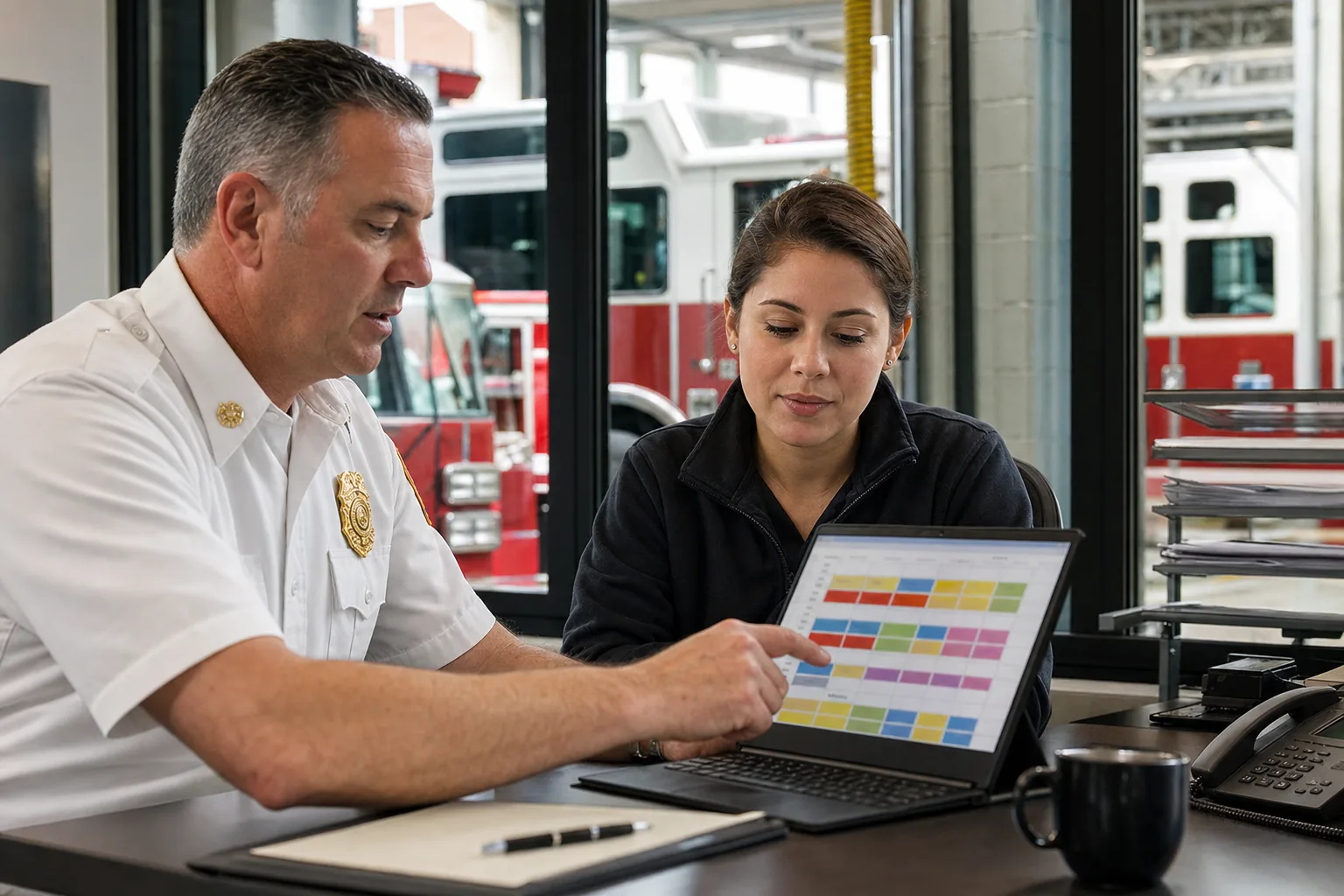
Most volunteer fire departments run scheduling the same way they always have: a paper roster on the station corkboard, a group text thread, and whoever picks up the phone when a shift goes uncovered.
It works until it doesn’t. Member availability changes. Minimum staffing requirements tighten. The officer handling the schedule steps down, and the next person inherits a system that lives entirely in someone else’s head.
Free fire department scheduling software exists to solve exactly this — not by replacing how your department operates, but by moving the coordination out of texts and paper and into something every member can see and act on from their phone.
This guide explains what a fire department actually needs from scheduling software, what free tiers realistically include, and where the common paid-tier traps are.
What Fire Department Scheduling Actually Requires
Generic employee scheduling tools are built for retail and restaurants: a manager builds the week, assigns people to slots, and publishes. Firefighting doesn’t work that way.
Volunteer departments run on availability. Members submit windows when they can respond; the software builds coverage from those windows and posts open shifts when coverage is thin. When a gap appears, members should be able to claim it directly — no phone tree.
Career departments use fixed rotation cycles (24/48, 48/96, DuPont). The software needs to support these patterns without requiring a spreadsheet rebuild every cycle. Shift swaps still require officer approval before anything goes live.
Both models need:
- Shift assignment with push + email notification
- Open-shift posting visible to all eligible members
- Swap requests that route to an officer before they’re confirmed
- A schedule members can check from a mobile browser or app without logging into a desktop portal
What “Free” Actually Means (Platform by Platform)
The word “free” is used loosely in scheduling software. Here’s the honest breakdown across the options departments typically evaluate.
ShiftSynch — Free for 1 team, up to 10 members
ShiftSynch’s free tier is permanent, not a trial. For a volunteer department with one station and fewer than 10 active duty members, the free plan covers the full scheduling workflow:
- Shift assignment and publishing
- Open-shift marketplace with push, email, and SMS alerts
- Shift-swap requests with officer approval gate
- Schedule visibility for all members via mobile browser and app
No credit card. No expiry clock. No feature lockdown after 30 days.
There are two limits, and it is worth being precise about both. The free plan covers one team — one station or crew — and up to 10 members, and it is build-only: you can create and review the schedule, but publishing it and emailing members their shifts starts on Basic at $9/month. Basic does not raise the caps; it is still one team and 10 members. Departments that run two stations, coordinate mutual aid across crews, or carry more than 10 active members need Professional at $49/month, which covers up to 5 teams and 50 members at a flat monthly rate regardless of roster size.
When7 — Trial, then contact for pricing
When7 targets volunteer fire and EMS specifically. There is no publicly listed free tier — the site routes all signups into a demo request. Pricing is contact-for-quote and typically per-user.
Deputy — Free tier is very limited
Deputy’s free plan exists but is capped at one user for scheduling purposes. It functions as a solo planner tool, not a department scheduling system. Useful for a single officer who wants to plan in software before publishing to paper, but not a full department solution.
Homebase — Not designed for fire/EMS
Homebase’s free tier is solid for restaurants and retail — it handles hourly scheduling well. It has no concept of fire-department coverage models, open-shift marketplaces, or availability-based posting. Some departments use it anyway; the scheduling mechanics work, but the terminology and workflow feel off.
Google Sheets (and derivatives)
Free, infinitely customizable, and the current default for most departments. The limitation is coordination: Sheets doesn’t send a notification when a shift opens, can’t enforce an approval gate on swaps, and doesn’t have a mobile experience designed for quick availability input. It stores the schedule; it doesn’t run it.
Where Free Scheduling Software Loses Departments
The “free” problem in fire department software usually isn’t the price — it’s the hidden per-user trigger.
Per-user pricing looks fine when you sign up with 8 members. Add two new recruits and you’re past the free tier. Add the reserves you want to activate for mutual aid and you’re suddenly paying $4–6 per person per month, which compounds fast with a 25-person roster.
ShiftSynch avoids this with flat-rate pricing: every tier is a flat monthly fee for the organization, with caps on teams and member count rather than a per-firefighter charge. A department with 40 active members and a department with 15 pay the same $49/month on Professional, which covers up to 5 teams and 50 members. Recruiting ten more volunteers inside that cap does not change the bill.
If your department is growing — recruiting new volunteers, activating a reserve pool, adding a second station — start on software that won’t penalize you for recruiting.
What ShiftSynch Covers for Fire and EMS
ShiftSynch was built for organizations that need gap-free coverage: fire departments, home care agencies, and other essential-service operators where an uncovered shift has real consequences.
Open-shift marketplace: When coverage drops below minimum, the system posts an open shift and notifies all eligible members. Members claim directly from the notification. Officers see who claimed and confirm or reassign.
Shift swap with approval gate: Any member can request a swap. The request goes to an officer before it takes effect — no unauthorized shift changes.
Fixed rotation support: Career departments running 24/48 or 48/96 cycles can build the rotation once and publish it rolling. No manual rebuild each cycle.
SMS + push + email alerts: Volunteer members are off-station. The notification has to reach them where they are, not just in a portal they never check.
Free plan — permanent: One team, up to 10 members, no trial clock. Start at shiftsynch.com — no card required.
Switching from a Phone Tree
The largest switch cost when moving to scheduling software isn’t the software — it’s changing member behavior. The phone tree is familiar. It also depends entirely on one person making calls.
The practical migration:
- Enter all member contact information (email + mobile for push notifications)
- Build a two-week schedule using your current rotation or typical shift assignments
- Enable open-shift notifications — members will start responding to their phones instead of waiting for a call
- Run one full scheduling cycle in parallel (paper + software) before cutting the paper
Most departments complete the parallel run in one shift cycle. After that, the officer managing the schedule spends less time on logistics and more on actual fire department business.
The Short List
| Need | Recommendation |
|---|---|
| Free, ≤10 members, 1 station | ShiftSynch free tier |
| >10 members, 1 station | ShiftSynch Professional $49/mo |
| Two stations, mutual aid coordination | ShiftSynch Professional $49/mo |
| ≤10 members, 1 station, need to email the schedule out | ShiftSynch Basic $9/mo |
| Heavy CAD/dispatch integration | Full dispatch suite (outside scheduling scope) |
| Already using Google Sheets and it mostly works | Stay on Sheets; evaluate ShiftSynch when Sheets creates a scheduling incident |
Start Free at ShiftSynch
If your department has one station and 10 or fewer active members, the free plan covers building the schedule permanently — shifts, rotation patterns, staffing requirements, availability and time-off, on desktop or a phone. Publishing it and emailing members their shifts is $9/month. ShiftSynch has no open-shift posting, no member-initiated swap workflow and no SMS or push channel; the officer reassigns and republishes, and members are notified by email.
Start free at ShiftSynch.com — no credit card, no trial countdown.
For larger departments or multi-station operations, the $49/month Professional plan covers up to 5 teams and 50 members at a flat rate, and Enterprise at $99/month is unlimited. Your per-firefighter cost drops as you recruit inside a tier.
Frequently Asked Questions
- Is there a truly free fire department scheduling app?
- Yes. ShiftSynch offers a permanently free plan for one team with up to 10 members — no credit card required and no trial countdown. The free plan is for building the schedule: shifts, rotation patterns, staffing requirements, availability and time-off, with mobile access. Publishing that schedule and emailing members their shifts starts at $9/month. A department that needs more than one crew or more than 10 active members needs Professional at $49/month, which covers up to 5 teams and 50 members.
- What makes fire department scheduling different from regular employee scheduling?
- Volunteer fire departments run on availability-based scheduling rather than fixed shifts. Members submit their available windows; the software builds coverage from those windows. Career departments typically use rigid 24-on/48-off or 48/96 cycles. Fire-specific software handles both: open-shift marketplaces for volunteers plus fixed rotation templates for career crews. Generic scheduling tools treat everyone like a restaurant worker on a weekly template.
- Can free scheduling software handle mutual aid and multi-station coverage?
- That depends on the platform. ShiftSynch's free plan supports one team — one station or crew — with up to 10 members. Basic at $9/month is the same one team and 10 members; it adds publishing and email notification, not capacity. Running two stations, or coordinating mutual-aid pools across crews, means Professional at $49/month for up to 5 teams and 50 members. There are no per-firefighter fees at any tier.
- Does fire department scheduling software integrate with paging systems?
- Dedicated fire scheduling platforms generally notify members in-app or by email rather than integrating directly with CAD/paging; ShiftSynch's only notification channel is email. Automatic paging tie-ins live in full dispatch management suites, which are a separate purchase. For staffing scheduling — building the roster before the alarm — an emailed published schedule is sufficient.
- What should a volunteer fire department look for in free scheduling software?
- Prioritize: (1) true free tier with no expiry — not a 14-day trial; (2) availability-based scheduling so members flag open windows rather than you building shifts manually; (3) open-shift notification so off-duty members can pick up gaps; (4) officer approval on swaps so the duty chain stays intact; (5) simple mobile access — volunteers check their phones, not a desktop portal.
Ready to replace the spreadsheet and group text?
Build the rotation, publish shifts, and see qualified coverage in ShiftSynch.
Start free