Best Fire Department Scheduling Software in 2026 (Compared)
Compare fire department scheduling software: eSchedule Pro, Aladtec, and ShiftSynch. Flat-rate per organization, 24/7 coverage, start free, no card required.
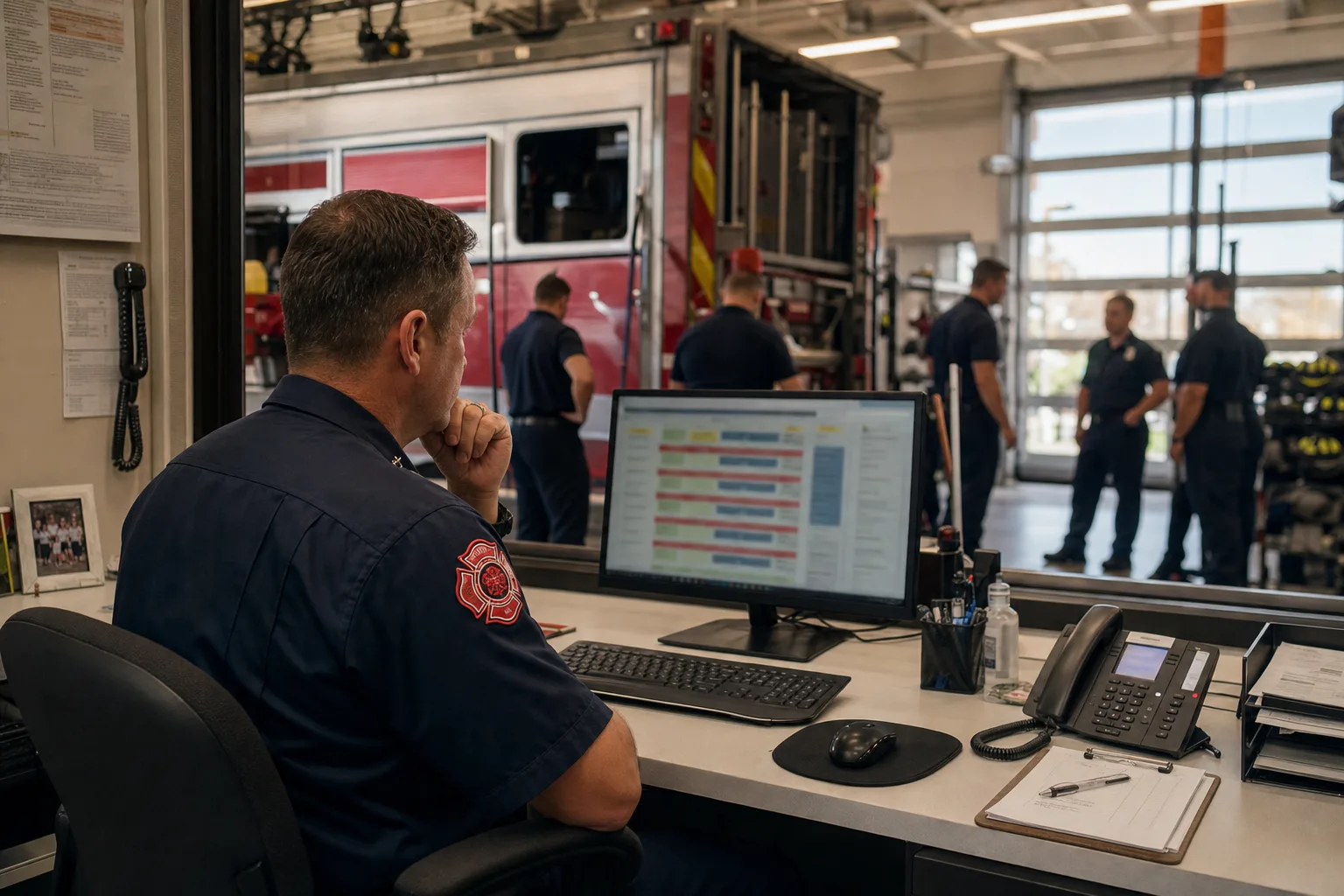
Fire department scheduling is not a general workforce problem. A hospital can reschedule a nurse at short notice with minimal safety consequence. A fire department cannot pull an apparatus into service with the wrong staffing, a gap in qualifications, or an overtime officer who’s already 48 hours into a run. The software has to match that operational reality.
This guide compares the most widely used fire department scheduling platforms in 2026: eSchedule Pro, Aladtec, ScheduleFlex, and ShiftSynch. We cover what each does well, how pricing actually works, and what a 50-person department should expect to pay annually. If you’re searching for an eSchedule Pro alternative or trying to understand why your current contract costs keep climbing, this is the comparison that starts with the numbers.
What fire departments actually need from scheduling software
Before evaluating any tool, agree internally on the minimum requirements. Fire department scheduling software should do at least these six things:
1. Enforce shift patterns without manual work. 24/48, 48/96, 4-on-4-off, 2-2-3 — the software should maintain the rotation automatically so schedulers aren’t rebuilding it from scratch each month.
2. Track qualifications by position, not just by headcount. A pumper crew needs a qualified driver/operator. An EMS unit needs a credentialed paramedic or EMT at the correct level. Headcount alone doesn’t tell you if a shift is safe to run.
3. Manage leave, trades, and call-offs in one place. Time-off requests, shift trades, and last-minute call-offs need an approval workflow that writes directly to the master schedule. If these live in a separate text thread, someone will miss a swap and you’ll have a hole.
4. Publish schedules and notify the crew. Firefighters should be able to see their schedule on mobile without logging into a full admin interface. A public-facing crew view reduces “when am I working?” calls to the captain.
5. Track overtime. Most fire departments operate under FLSA section 207(k) or collective bargaining rules that define overtime thresholds differently than standard 40-hour weeks. The software doesn’t need to calculate final payroll, but it should flag when an assignment is likely to trigger overtime so supervisors can make an informed decision before approving it.
6. Be affordable enough that you don’t lose it in the next budget cycle. Per-seat contracts signed during a larger roster can become expensive anchors. Flat-rate options protect the budget as the department evolves.
With those criteria defined, here’s how the major platforms stack up.
eSchedule Pro
eSchedule Pro is one of the most widely deployed scheduling platforms in public safety, with specific modules for fire and EMS scheduling. It includes self-scheduling capabilities, shift trade portals, open shift alerts, and integration with time-and-attendance systems.
What it does well: eSchedule Pro is purpose-built for public safety. Its scheduling grid shows the full roster against position requirements, which means a captain reviewing tomorrow’s shift can see at a glance whether all apparatus are staffed to minimum. The overtime module is one of the more mature implementations in the market.
Pricing: eSchedule Pro does not publish pricing publicly. Plans are per-seat, meaning cost scales directly with roster size. A department with 40 members costs roughly twice as much as a department with 20. For small-to-mid departments, the annual contract is usually in the range of several hundred to several thousand dollars annually — the exact number depends on headcount and which modules are included. Request a quote through their sales process for your specific department size.
Considerations: The per-seat model works fine when your roster is stable and the annual contract fits the budget. It becomes a problem when the department is growing, when the contract is up for renewal after a year of overtime hiring, or when you’re comparing it against flat-rate options and realizing you’re paying for seats that don’t add functionality.
Aladtec
Aladtec (now part of the TargetSolutions/Vector Solutions family) targets EMS and fire departments and is one of the most established names in the space. It covers shift scheduling, compliance tracking, personnel records, and certification expiration management.
What it does well: Certification and credential tracking. If your department has members with credentials that expire at different intervals — paramedic certifications, HAZMAT, driver quals — Aladtec’s credential management layer flags expiration well in advance. It also has an established mobile experience that field crews find usable.
Pricing: Like eSchedule Pro, Aladtec pricing is quote-based and scales per member. Given its acquisition into the TargetSolutions ecosystem, it is generally positioned at the enterprise end of the market. Departments that already use TargetSolutions for training may find bundled pricing discussions possible.
Considerations: Enterprise pricing makes sense for large county or multi-station departments with complex compliance needs. For a single-station volunteer company or a small career department with a tighter budget, the price point is harder to justify when the core scheduling function is covered by lower-cost tools.
ScheduleFlex
ScheduleFlex is a workforce scheduling platform that serves multiple verticals including public safety. It handles availability management, shift bidding, request portals, and messaging.
What it does well: Flexibility. ScheduleFlex allows more customization of approval workflows than purpose-built fire tools. If your department’s scheduling rules don’t fit neatly into a standard public-safety template, ScheduleFlex can usually be configured to match.
Pricing: Per-seat, quote-based. ScheduleFlex pricing varies by feature set and implementation.
Considerations: The horizontal positioning (built for many industries, not specifically fire/EMS) means you may spend setup time configuring terminology and workflows that purpose-built tools handle out of the box. Worth evaluating if you’ve found the fire-specific tools too rigid for your department’s rules.
ShiftSynch
ShiftSynch is a scheduling platform built around flat-rate, per-organization pricing rather than per-seat billing. The pricing tiers — $0 / $9 / $49 / $99 per month — are billed per organization, not per seat. They are capped by team and member count rather than by headcount pricing: Free and Basic cover one team and up to 10 members, Professional covers up to 5 teams and 50 members, Enterprise is unlimited.
What it does well: Predictable costs and a fast setup path. Adding five new members inside your tier does not change the invoice. The free plan lets a single-station department build and review live schedules before committing, though publishing them to members by email starts at $9/month. The $49/mo Professional tier covers the scheduling core for a real department: up to 5 teams (stations or crews) and 50 members, rotation patterns, availability and time-off management, qualifications tracking, and API access.
What it does not do: there is no shift-trade or swap workflow, no open-shift broadcast that members can claim from a phone, and no SMS or push channel — notifications are email only. Coverage changes go through the officer who reassigns and republishes. If member-initiated trades are how your department runs, this is the wrong tool.
Fire department suitability: ShiftSynch is not exclusively fire-focused, but the core scheduling engine handles the requirements that matter most to fire departments: shift rotation maintenance, multi-day patterns (24/48, 48/96), leave and trade approvals, and crew-facing schedule publishing. It works best for departments that need scheduling and communication tools without requiring the credential-tracking layer that Aladtec adds.
Pricing: Flat-rate, publicly listed, no quote call required.
| Plan | Price | What it covers |
|---|---|---|
| Free | $0/mo | Basic schedule building, up to a small roster — no card required |
| Basic | $9/mo | 1 team, up to 10 members; publish the schedule and email members their shifts, rotation auto-generation, exports |
| Professional | $49/mo | Up to 5 teams and 50 members; advanced rotation patterns, qualifications tracking, advanced reports, API access |
| Enterprise | $99/mo | Unlimited teams and members; custom shift types, FTE management, custom integrations |
No per-seat add-ons. Your monthly cost doesn’t change if you add members.
Side-by-side pricing comparison
The cost difference between per-seat and flat-rate scheduling becomes significant at scale. Here’s a realistic comparison for a 50-person career department:
| Platform | Pricing model | Est. annual cost (50 members) |
|---|---|---|
| eSchedule Pro | Per-seat, quote-based | Contact for quote |
| Aladtec | Per-seat, quote-based | Contact for quote |
| ScheduleFlex | Per-seat, quote-based | Contact for quote |
| ShiftSynch Professional | Flat-rate $49/mo | $588/year |
| ShiftSynch Enterprise | Flat-rate $99/mo | $1,188/year ($948 billed annually) |
Per-seat platforms don’t publish annual costs publicly, which makes direct comparison difficult — but asking your current vendor for the all-in annual number at your current headcount is worth doing before the renewal conversation.
Decision matrix: which option fits your department
| Department type | Recommended starting point |
|---|---|
| Small volunteer company, budget-constrained | ShiftSynch Free or Starter |
| Small-to-mid career dept, need predictable costs | ShiftSynch Professional ($49/mo) |
| Large career dept, compliance-heavy (credentials, CBA) | Aladtec or eSchedule Pro (request quotes) |
| Dept already in TargetSolutions ecosystem | Aladtec (bundled pricing discussion) |
| Dept with non-standard scheduling rules | ScheduleFlex |
How to move from eSchedule Pro to ShiftSynch
The transition process is shorter than most chiefs expect. Here’s a practical sequence:
1. Export your current roster and schedule. Request a full roster export (name, rank, email, qualifications) from eSchedule Pro in CSV or Excel. You’ll need this regardless of which platform you move to.
2. Build your shift patterns first, then load people. Configure your rotation (24/48, 48/96, Kelly-day adjustments) in ShiftSynch before importing members. This lets you verify the logic is correct before the roster complicates the view.
3. Run both systems in parallel for one rotation. Build the first rotation in ShiftSynch while eSchedule Pro stays live. Compare outputs. Once the crew schedules match, the transition is essentially done operationally.
4. Set your contract end date as your live date. Most per-seat contracts run annually. Target going live in ShiftSynch 30–60 days before your eSchedule Pro renewal so you have a real-world confirmation window before canceling.
5. Notify your crew. Push the ShiftSynch schedule link to the crew before you stop publishing in eSchedule Pro. The mobile-accessible crew view is the thing they care about — once they’re using it, the admin migration is invisible to them.
Getting started with ShiftSynch for fire departments
ShiftSynch’s free tier doesn’t require a credit card. You can build a live rotation, add your roster, and see the schedule in the crew view before any billing conversation. If you’re evaluating whether flat-rate scheduling makes sense for your department, that’s the fastest way to see it in practice.
Start at shiftsynch.com — no form, no demo call, no quote request. Register and have your first shift pattern up in under an hour.
Frequently Asked Questions
- What is eSchedule Pro pricing for fire departments?
- eSchedule Pro uses a per-seat pricing model, meaning costs scale with roster size. For a department of 25–50 members, this typically means a quote-based contract rather than a publicly listed flat rate. Departments comparing costs should ask for total annual cost at their specific headcount, then compare that against flat-rate alternatives like ShiftSynch ($49/mo for any org size).
- Is there free fire department scheduling software?
- ShiftSynch offers a free tier with no credit card required that covers basic schedule building, shift assignment, and team communication for small departments. For volunteer companies or stations with tight budgets, it's a functional starting point before upgrading to a paid tier.
- What is the best alternative to eSchedule Pro?
- The best alternative depends on your department's size and budget. For smaller departments that want predictable costs, ShiftSynch's flat-rate model ($9–$99/mo per organization rather than per seat) is a strong alternative — though a department over 10 members needs the $49/month Professional tier, since Free and Basic both cap at one team and 10 staff. Aladtec and ScheduleFlex are established options with more complex feature sets and contact-for-quote pricing.
- What features should fire department scheduling software include?
- Fire department scheduling software should handle shift pattern management (24/48, 48/96, Kelly days), minimum staffing enforcement by apparatus and qualification, trade and swap approvals, call-off/backfill workflows, overtime tracking, and schedule publishing for the full crew. Integration with payroll or NFIRS-adjacent systems is useful but not always essential for smaller departments.
- Can firefighter scheduling software work for volunteer departments?
- Yes, though volunteer departments have different needs: availability-based rather than fixed-roster scheduling, simpler staffing rules, and tighter budgets. A free or low-cost flat-rate option like ShiftSynch works better for volunteer companies than per-seat software designed for career staffing.
Ready to replace the spreadsheet and group text?
Build the rotation, publish shifts, and see qualified coverage in ShiftSynch.
Start free